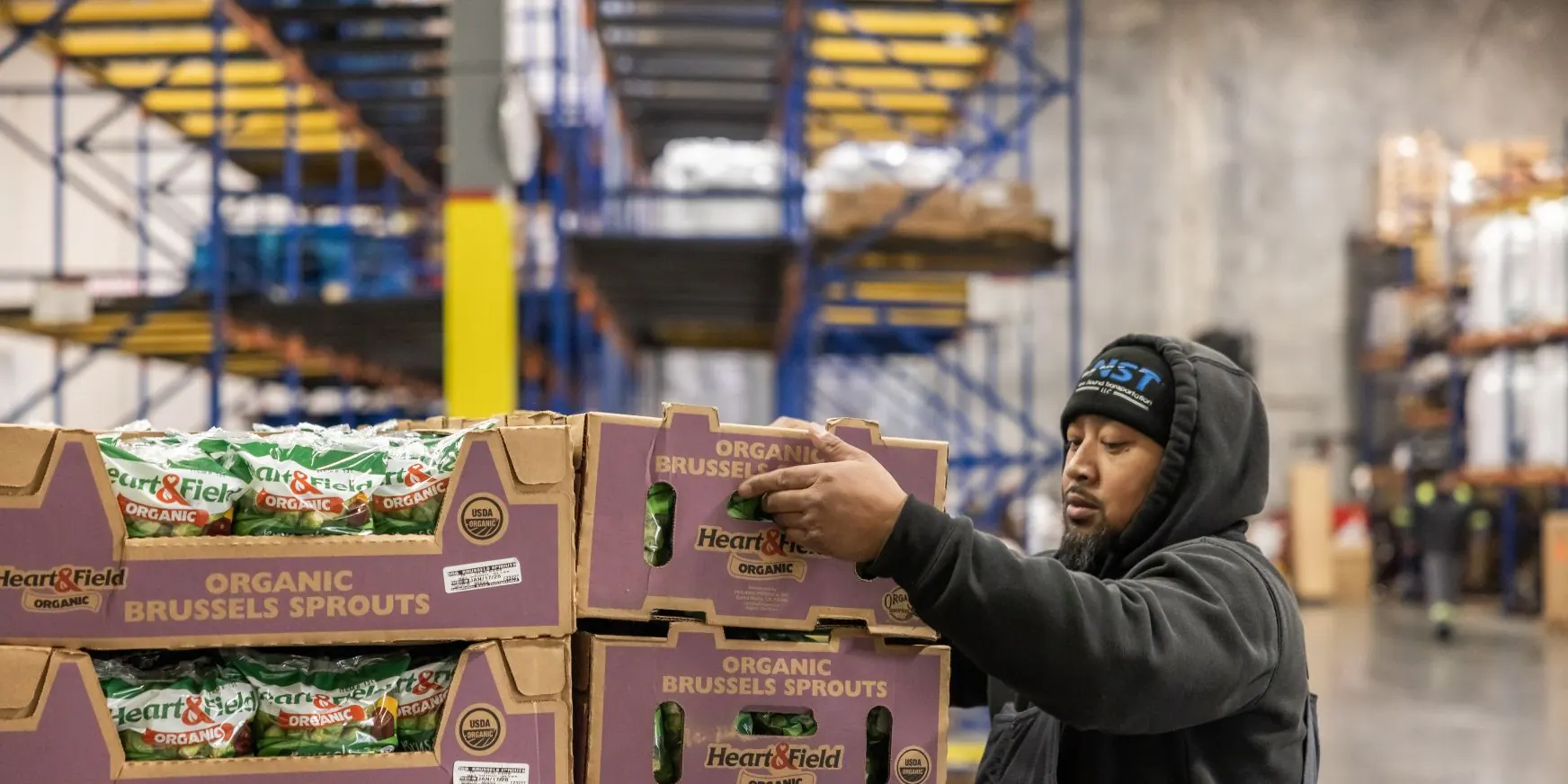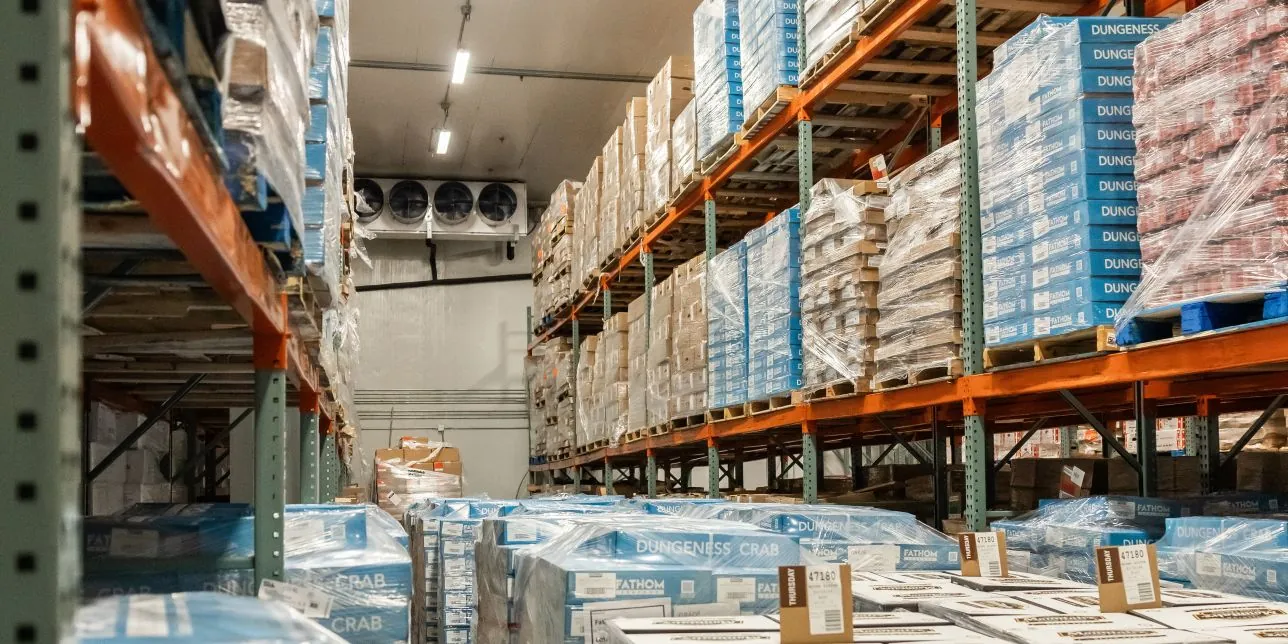
Pre-cooling prepares an empty refrigerated trailer before loading by cooling it down to the appropriate temperature. Pulldown means lowering the temperature of either the trailer air or the cargo itself toward the target.
At NST, we help businesses move and store refrigerated and non-refrigerated freight. Here’s how to prepare your next shipment and avoid common temperature problems.
What Is the Difference Between Pre-Cooling and Pulldown?
Pre-cooling is the process of preparing the trailer for the freight you’re about to load by bringing the inside of the trailer to the right temperature before the cargo is placed inside. It’s as simple as it sounds; you “pre-cool” the trailer.
Pulldown describes the process of lowering temperature toward a set point. Manufacturers also use the term when discussing the air inside a trailer, so it doesn’t only mean cooling warm products after loading, but that might be what most people mean by it in the industry. Simply put, taking cargo that isn’t yet at the temperature it needs to be and cooling it down to the desired point.
An empty reefer can “pre-cool” rather quickly, but “pulling down” a warm load takes more planning and time. Equipment capacity, packaging, and airflow all affect how well the load cools. Don’t rely on a reefer pulldown to be able to replace proper cargo cooling and handling protocol before loading.
What Causes Temperature Problems in Reefer Freight?
Warm freight at delivery doesn’t tell you where the problem started. Warehouse crews, facilities, trailers, and drivers all affect the condition of a load. You need loading records and temperature checks to understand what happened.
Common Warehouse Loading Mistakes
Loading problems include:
- Loading products above their required shipping temperature.
- Leaving cold freight on a warm dock too long.
- Stacking freight where it blocks airflow.
- Trying to pre-cool with doors open to warm outside air.
These mistakes let heat in or keep cold air from reaching the freight. Even a working reefer can struggle when the load blocks airflow.
Common Driver and Transit Mistakes
Problems on the road can include:
- Choosing the wrong temperature setting or operating mode.
- Leaving the unit off when the shipment requires cooling.
- Ignoring temperature alarms.
- Skipping equipment checks.
Turning the unit off during loading can be the right step. Some loading procedures require drivers to shut down before opening the doors. The dock conditions and equipment instructions determine the correct approach.
How Can You Prevent Temperature Problems During Refrigerated Shipping?
We recommend focusing on four things: trailer preparation, product temperature, airflow, and loading. Each one matters just as much as the others.
1. Pre-Cool the Trailer Before Loading
Set the reefer to the shipment’s required temperature and operating mode. Keep the doors closed while the empty trailer cools.
The set point is your target temperature. Selecting that number doesn’t mean the trailer has reached it. Confirm the trailer meets the shipment’s requirements before loading. Oftentimes, they will refuse to load you until you reach the set point, which can result in appointment cancellations, delays, rescheduling, and hefty fees.
2. Check the Product’s Temperature
Follow the agreed procedure for checking product temperatures. Record the readings before loading, including anything outside the required range.
If the freight is too warm, contact the shipper before proceeding. A cold trailer doesn’t prove the products inside are cold enough to be moved safely.
3. Leave Room for Air to Move
Keep air chutes, return-air openings, and floor channels clear. Follow the loading pattern and spacing your product and equipment require.
Avoid stacking cartons against openings that supply or return refrigerated air. Blocked airflow will leave warm spots in the load and could quickly lead to spoiled and rejected cargo.
4. Follow the Correct Loading Procedure
Limit the time doors stay open, and follow the equipment manufacturer’s instructions. The right procedure depends on the dock, so feel free to ask questions on-location.
For example, Thermo King advises shutting down before loading at an unrefrigerated warehouse. Once loading ends, close the doors and restart the unit. A refrigerated dock with tight seals may allow the unit to keep running.
Always check the loading conditions before deciding whether the reefer should stay on.
How Do Temperature Logs Help Protect Refrigerated Freight?
Temperature monitoring helps teams spot changes while freight is on the road. Connected systems can send alerts when temperatures rise or equipment reports a problem. Those alerts give drivers and dispatchers a chance to respond quickly to save massive amounts of time and money.
What Can Reefer Temperature Logs Show?
The available records depend on the equipment and sensors. Some systems can record:
- Supply and return air temperatures.
- Temperature settings and operating modes.
- Door openings.
- Temperature alarms.
- Refrigeration-unit performance.
These records can help when someone reports a temperature problem or files a claim. They show what the system recorded and when conditions changed.
Do Air Temperatures Prove the Product Stayed Cold?
An air sensor measures conditions where the sensor sits. It doesn’t measure the temperature inside every carton.
That means a normal air reading cannot prove every product stayed cold. We recommend reviewing the logs alongside product-temperature checks and shipping records.
Does FSMA 204 Require Reefer Temperature Logs?
FSMA 204’s Food Traceability Rule focuses on tracking certain foods through the supply chain. Covered businesses must keep required records for foods on FDA’s Food Traceability List. Some exemptions apply.
Those records include lot information and details about events like shipping and receiving. Reefer temperature logs serve a different purpose. The FDA says it won’t enforce the Food Traceability Rule until after July 20, 2028.
Temperature control still matters under separate food-safety requirements. FDA’s Sanitary Transportation rule addresses temperature controls for covered food shipments. Our FSMA 204 cold storage guide explains the traceability requirements in more detail.
How Do Transloading and Cross-Docking Affect Refrigerated Freight?
Every transfer gives heat another chance to reach your freight. Warm staging areas and long waits with open doors can create problems.
Transloading means moving cargo between transportation equipment or modes. For example, transferring freight from an ocean container into a refrigerated trailer. Cross-docking moves freight between inbound and outbound vehicles with little or no storage, so it’s a near immediate trailer-swap, so to speak.
Prepare the Next Stop Before Opening the Doors
We recommend planning the transfer before the freight arrives. Confirm that the receiving space and outbound trailer meet the load’s temperature requirements. Have the crew ready so freight spends less time waiting.
A shipment can involve both transloading and cross-docking. Our cold chain transloading guide explains these transfers near Tacoma and Seattle. Fast handling helps, but the freight still needs suitable temperature conditions.
How Can NST Help With Refrigerated Freight in Seattle and Tacoma?
Keeping freight cold takes more than a working reefer. The products, trailer, loading crew, and receiving location all need proper preparation.
At New Sound Transportation, we support shippers and manufacturers with:
- Refrigerated LTL shipping
- Frozen, chilled, and dry storage in Fife
- Transloading
- Cross-docking
- Final-mile redelivery
We’re particular experts in LTL refrigerated transportation and cold storage that can help you plan each stage. Contact our team with your product details, temperature requirements, and delivery schedule. We’ll help you work through the storage and shipping needs for your freight.
Frequently Asked Questions About Reefer Freight
Can a Reefer Trailer Cool Warm Cargo During Transit?
A reefer can remove heat, but don’t count on it to fix warm freight. Cooling depends on the load, packaging, airflow, and equipment capacity. Bring products to their required shipping temperature before loading.
Who Is Responsible for a Reefer Breakdown or Temperature Failure?
Responsibility depends on the cause, shipment terms, and applicable law. Review temperature logs, product readings, maintenance records, and the bill of lading. Those records help establish what happened before anyone assigns blame.
What Is the Difference Between Continuous and Start/Stop Reefer Modes?
Continuous mode keeps air moving through the trailer. Start/stop mode cycles the unit on and off.
Fresh produce often needs continuous airflow. Some frozen loads can use start/stop operation when conditions allow. Follow the shipper’s instructions and equipment guidance when choosing a mode.
How Does Pre-Cooling Affect Refrigerated LTL Shipments?
Pre-cooling prepares the trailer before the first pickup. Later stops can let heat in when the doors open.
Limit door-open time and keep freight in cool conditions while it waits, like shaded areas. Follow the required operating procedure throughout the route. After closing the doors, monitor the trailer as it returns to the required temperature.
How Long Should You Pre-Cool a Reefer Trailer?
There’s no single pre-cooling time for every load. Outside heat, trailer insulation, equipment capacity, and the required temperature all affect preparation. Check that the trailer meets the shipping requirements before loading.
What Should You Do if Refrigerated Food Arrives Too Warm?
Record the temperatures and notify the responsible parties. Follow the shipment’s food-safety procedures.
For shipments covered by FDA’s Sanitary Transportation rule, a possible temperature failure requires careful review. If that failure may have made the food unsafe, hold the affected food. Prevent sale or distribution until a qualified individual determines the failure didn’t make it unsafe. Cooling the food again doesn’t make it safe.